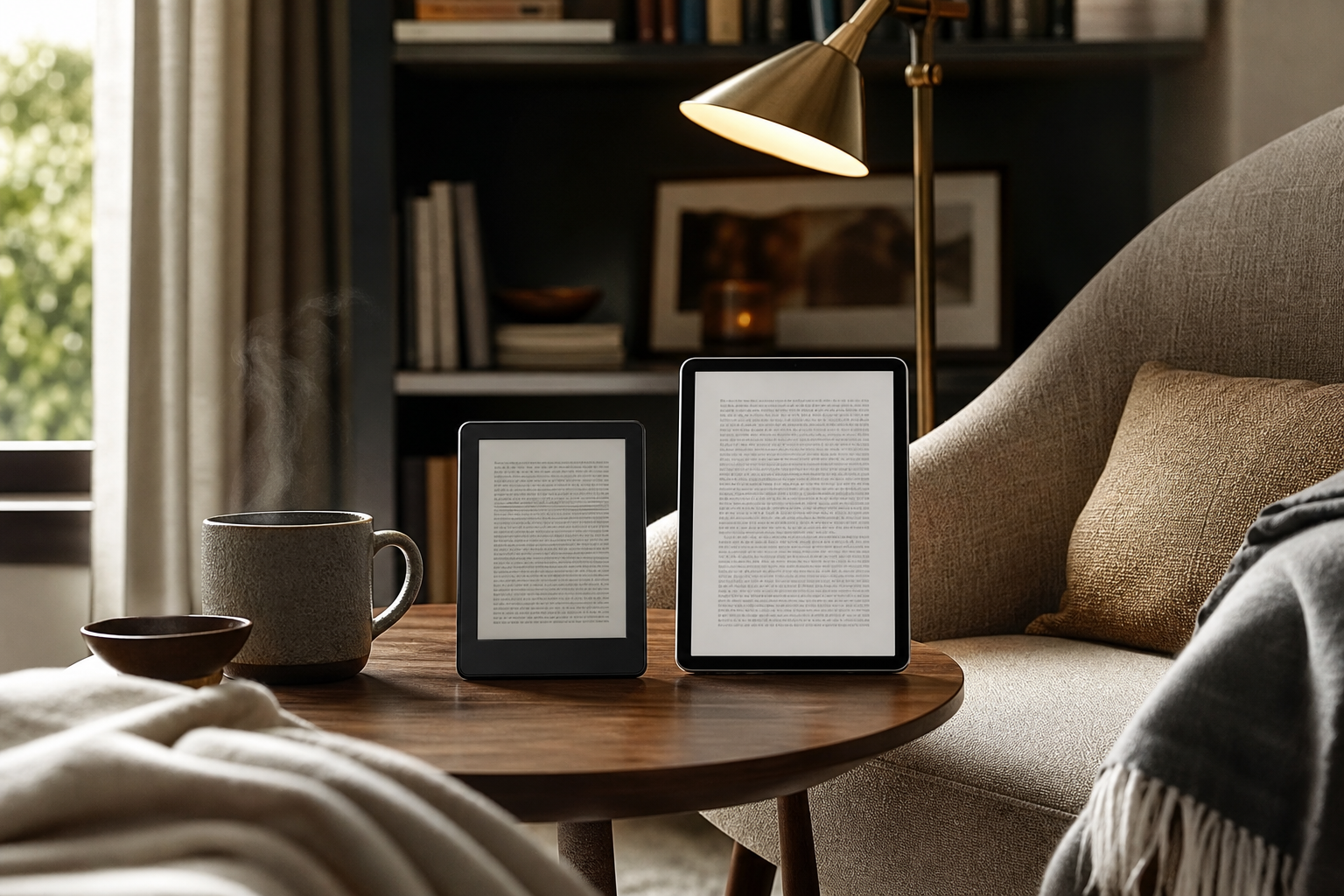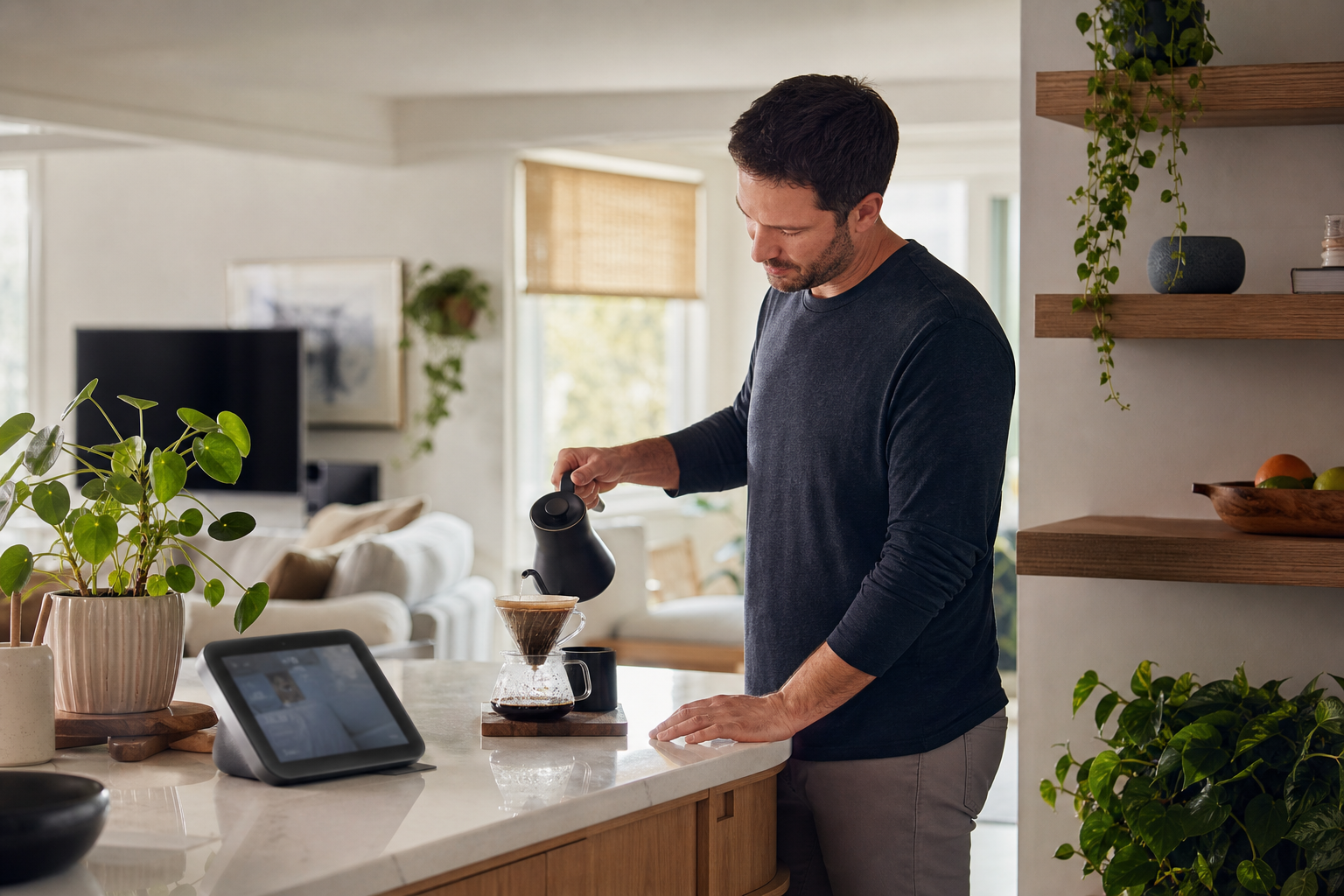
Choose a smart speaker if you mainly want hands-free music, timers, reminders, weather, and control of lights or plugs. Choose a smart display if you want a shared household dashboard, recipe guidance, video calls, cameras, visual calendars, or touch controls; the extra screen adds complexity, but it can make everyday tasks clearer.
What Matters Most
Start with the job to be done
If your goal is simply to ask for music, set a timer, hear the weather, add an item to a shopping list, or switch off a lamp, a smart speaker is usually the lower-friction choice. It has fewer ways to configure, clean, update, or interact with it, and it can sit almost anywhere there is a power outlet and a reasonable Wi-Fi connection.
A smart display is better when the answer benefits from being visible. A calendar, cooking instruction, doorbell feed, video call, room-by-room control panel, or timer countdown is easier to understand at a glance than through a spoken response. The trade-off is that you are buying a small appliance with a screen rather than an unobtrusive voice interface.
The key distinction is not that one category is smarter. Both can handle overlapping voice commands and compatible smart-home controls. The difference is whether adding sight and touch removes more steps than it creates.
- Lowest everyday overhead: smart speaker
- Best for visual confirmation and shared information: smart display
- Best starting point for a voice-first home: smart speaker
Setup friction: speakers usually win, but ecosystem matters more
Neither category is completely plug-and-play. Amazon's current setup instructions use the Alexa mobile app to add an Echo device. Google asks you to use the Google Home app, a Google Account, Bluetooth, Wi-Fi, and an internet connection. Apple HomePod setup requires an iPhone or iPad, with the HomePod using the Wi-Fi network connected to that device.
A display may take a little longer because there are more choices to make: clock and photo settings, media services, calling, notifications, personalization, camera features, or visual results. Google notes that some speaker and display features are optional and can be configured later, which means you do not have to make every decision during the initial setup.
The biggest source of friction is often not speaker versus display. It is whether your phone, accounts, streaming services, smart lights, cameras, and other accessories already fit the same ecosystem. Matter can make compatible devices easier to mix across major platforms, but it does not remove the need to check device support, accounts, or the manufacturer's setup process.
- Apple household: HomePod is simplest when everyone is already using iPhone or iPad
- Amazon household: Echo setup runs through the Alexa app
- Google household: Nest speakers and displays are managed through Google Home
Daily use: fewer commands versus clearer feedback
A smart speaker keeps interaction deliberately simple: speak, listen, and move on. That is useful in a kitchen, bedroom, workshop, or living room where you do not want another bright rectangle competing for attention. It is also convenient for routines that happen while your hands or eyes are occupied.
The limitation is feedback. If a speaker misunderstands a device name, gives a long answer, or reports several calendar items, you may need to repeat the request or open an app on your phone. Audio is also less convenient for comparing choices, scanning a list, checking a map, following several recipe steps, or confirming which camera view is active.
A display can reduce those repeat interactions. You can tap a light, glance at a timer, scroll through a list, see the next calendar appointment, or follow a recipe without asking the assistant to repeat itself. That convenience only counts if the display is positioned where you can actually see it and if you are willing to use touch as well as voice.
Where a smart display earns its space
A display is most useful in shared areas where information needs to be visible to more than one person. A kitchen display can show timers, measurements, and instructions. In a family room or entryway, it can provide a quick view of calendars, reminders, compatible cameras, weather, or household controls. In a bedroom, the screen can make alarms and routines easier to check without picking up a phone.
Displays also help when the person using the device does not want to memorize exact voice commands. Touch controls provide a fallback when names are misheard or when a request is easier to select than describe. That can make a smart display feel more approachable in a household with different levels of interest in smart-home technology.
The screen can create new friction, too. It needs a deliberate location, may show notifications or personal information in a shared room, and can become one more place to manage settings. Models with cameras require an additional privacy decision, even if camera-based features remain optional.
- Choose a display for recipes, video calls, cameras, calendars, and visual controls
- Avoid a display if you mainly want background audio and simple voice commands
- Treat camera-equipped models as a separate privacy choice, not an automatic upgrade
Privacy, attention, and placement
Both categories rely on microphones and account-linked software to respond to requests. A display may add a camera, visual notifications, touch history, or personalized features such as voice or face recognition. The practical question is not whether a product has every available feature turned on, but whether you are comfortable reviewing and configuring those features.
Placement affects friction more than many buyers expect. A speaker hidden behind furniture may hear commands poorly. A display placed below eye level, in direct sunlight, or beside a busy cooking area may be difficult to use. Choose the location before choosing the device: a nightstand favors compact audio, while a kitchen counter or entryway may justify a visible screen.
Look for physical microphone controls, a camera shutter or disable switch where applicable, straightforward account controls, and settings that let you reduce notifications. A device that is easy to silence or personalize is less likely to become annoying after the novelty wears off.
Which option fits your home?
Buy a smart speaker when your priority is low visual clutter, quick audio responses, music, alarms, timers, reminders, and basic smart-home control. It is the better first device for a voice-first household, especially if you are unsure how much you will use an assistant.
Buy a smart display when the household repeatedly needs to see the answer. Shared calendars, recipes, video calls, camera views, media controls, and touch-based device control are strong reasons to accept the extra screen. A display makes the most sense in a central room where multiple people can benefit from it.
You do not have to standardize every room. A small speaker in a bedroom or office and one display in the kitchen can be less frustrating than putting a display everywhere. Start with the room where the device will remove the most repeated steps, then expand only if the first device becomes part of a real routine.
- Best minimalist choice: smart speaker
- Best shared-room choice: smart display
- Best mixed setup: speakers in private rooms, one display in a central workspace
Buying checklist for an easier setup
Before comparing sound quality or screen size, confirm the ecosystem. Check that the device works with your phone platform, preferred music and video services, and the smart-home products you already own. If you are adding lights, plugs, locks, or sensors, look for the relevant compatibility language, including Matter support where it applies.
Also check the physical details that determine whether the product will stay useful: power requirements, microphone controls, camera privacy features, screen visibility, speaker placement, and whether everyone who needs access can use the associated account or app. A technically capable device can still add friction if only one person knows how to manage it.
Finally, buy for your most common routine rather than the longest feature list. If you need five-second answers and hands-free control, the speaker is likely the better fit. If the repeated problem is seeing what is next, what is cooking, or which device is on, the display may be the simpler solution in practice.
- Confirm phone and account compatibility
- Check support for your existing smart-home devices
- Review microphone, camera, and notification controls
- Choose the room before choosing the size
Sources & editorial note
This guide is research-based and does not claim hands-on testing unless explicitly stated.
- Amazon Alexa Help: Set Up Your Echo — Supports the Alexa app-based setup process for Echo smart speakers.
- Google Home and Nest Help: Set Up Your Google Smart Speaker or Display — Supports setup requirements involving the Google Home app, account, Bluetooth, Wi-Fi, and optional display features.
- Apple Support: Set Up HomePod or HomePod mini — Supports the requirement for an iPhone or iPad and the proximity-based HomePod setup process.
- Connectivity Standards Alliance: Matter — Supports Matter's role in improving interoperability among compatible smart-home devices and major ecosystems.
- Google Home and Nest Help: Google Smart Speakers and Displays — Supports the broad distinction between voice-controlled speakers and displays that provide visual information, controls, media, and personalized features.