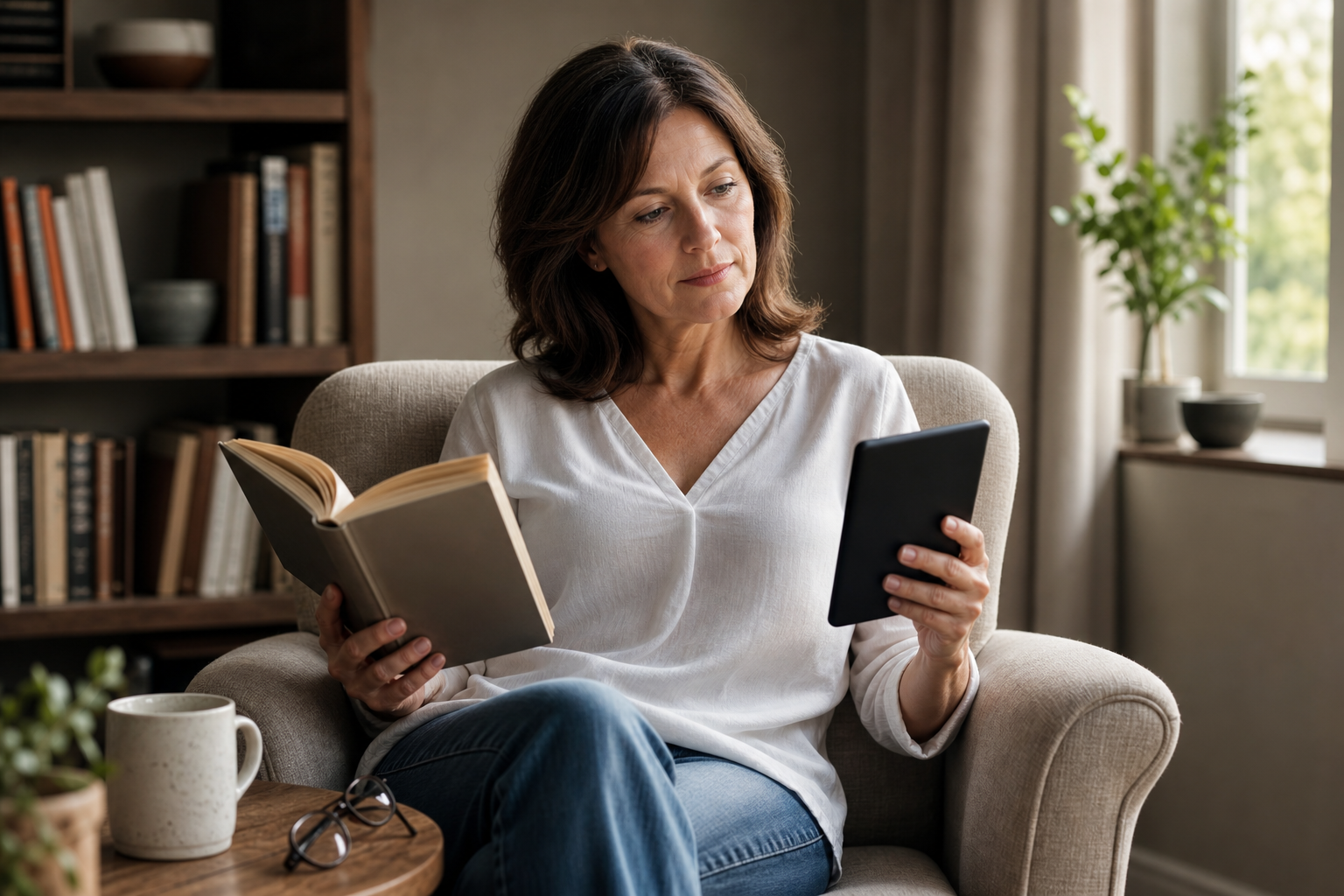
Choose paper books if you care most about the physical experience, easy sharing, display-free simplicity, and collecting favorite editions. Choose an e-reader if you read while traveling, want adjustable font sizes and warm light, carry several books at once, or prefer one compact device for different reading situations. For many readers, the most practical answer is a hybrid setup: paper for special books and an e-reader for everyday convenience.
What Matters Most
Start with the job to be done
If your goal is to slow down, mark pages, display a favorite title, or give someone a book they can open immediately, paper remains hard to beat. A physical book needs no setup, software, account, charging cable, or wireless connection. It also works naturally for browsing shelves, comparing covers, and remembering where a passage appeared on the page.
If your goal is to keep a reading habit going in more places, an e-reader is usually the more flexible tool. A single device can hold a substantial personal library, let you change font size and layout, and provide a front light for reading in a dim room. Amazon’s Kindle platform supports adjustable text display, notes, highlights, search, and dictionary lookup, while Kobo devices offer similar reading customization alongside format support that includes EPUB and PDF on models such as the Clara BW. ([read.amazon.com](https://read.amazon.com/landing?utm_source=openai))
The decision is less about which format is universally superior and more about friction. Paper removes technology from the experience; an e-reader removes weight, bulk, and many of the small inconveniences that can interrupt reading.
- Best starting point for paper: tactile enjoyment, collecting, gifting, and screen-free simplicity.
- Best starting point for an e-reader: portability, adjustable text, built-in light, and multiple books in one place.
Comfort, lighting, and the reading surface
Paper books rely on the light around you. That can feel natural in daylight, but reading in bed, on a plane, or in a poorly lit room may require a lamp or clip-on book light. The page itself does not change, so readers who want larger type, more spacing, or a different font need to choose an edition that already offers those features.
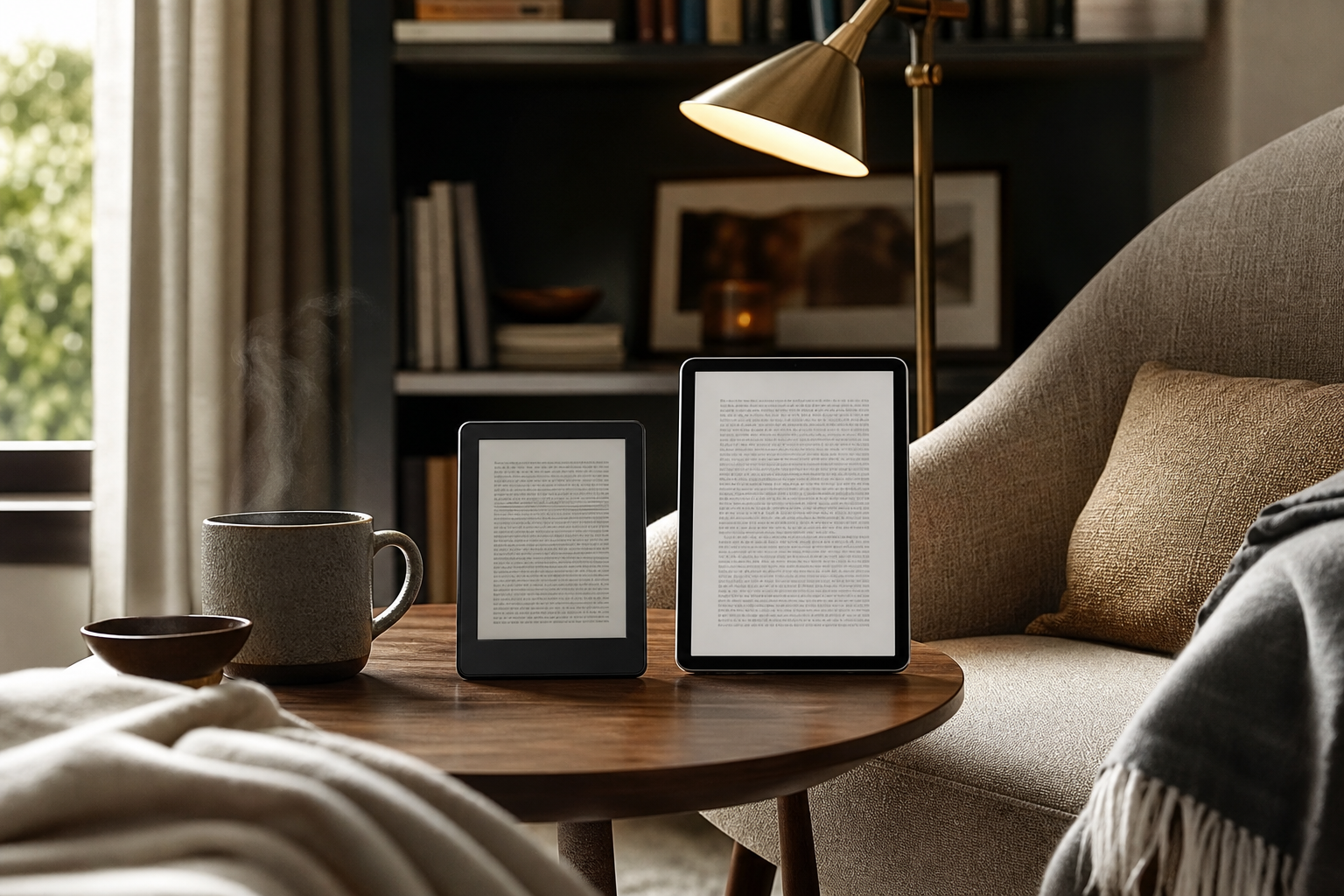
A dedicated e-reader uses an E Ink display rather than the bright, constantly glowing panel found on a phone or tablet. Current models commonly add a front light that directs illumination across the reading surface. For example, the 2024 Kindle Paperwhite includes adjustable warm light, dark mode, waterproofing, and a claimed battery life of up to 12 weeks under Amazon’s stated testing conditions. ([digprjsurvey.amazon.com](https://digprjsurvey.amazon.com/csad/help/node/GK33S847NN4V6Y83?utm_source=openai))
Kobo’s ComfortLight PRO system provides adjustable brightness and color temperature, ranging from a whiter daytime tone to a warmer orange tone for evening reading. The useful takeaway is not that warm light guarantees a particular result, but that it gives you more control when room lighting changes. ([help.kobo.com](https://help.kobo.com/hc/en-us/articles/360017481174-Adjust-ComfortLight-PRO-on-your-Kobo-eReader?utm_source=openai))
- Choose paper if you already have good lighting and do not want another setting to manage.
- Choose an e-reader with adjustable warm light if you read at night, share a room, or often move between bright and dim spaces.
- For the most comfortable setup, test font size, line spacing, and light level rather than judging a device by screen size alone.
Portability, storage, and everyday handling
Paper is wonderfully portable when you are carrying one small paperback. The trade-off appears when you want several books, a large hardcover, or a long trip’s worth of reading. Physical books take up space, add weight, and can be awkward to hold open with one hand. Their advantage is that they are easy to lend, resell, donate, or leave behind without worrying about battery life.
A compact e-reader is built for readers who want variety without carrying a stack. The Kobo Clara BW, for example, weighs 174 grams, has a 6-inch glare-free display, 16GB of storage, and Kobo says it can hold up to 12,000 eBooks depending on file size. Its battery claim is up to 53 days under specific usage conditions, so real-world results will vary with brightness, wireless settings, and reading time. ([ereader.kobo.com](https://ereader.kobo.com/en-us/collections/ereaders/products/kobo-clara-bw?utm_source=openai))
The handling trade-off is simple: an e-reader is lighter than a collection of books, but it is also more delicate and more expensive to replace than a paperback. A protective cover adds bulk, and a case with a stand may be worthwhile if you read at a table or want to avoid holding the device continuously.
- Paper fits readers who carry one book at a time and value easy sharing.
- An e-reader fits commuters, travelers, frequent readers, and anyone who likes switching between several titles.
- Waterproofing can matter for poolside, beach, bath, or kitchen reading; verify the exact model’s rating rather than assuming every e-reader has it.
Text control, notes, and different kinds of books
Paper books are excellent for novels, memoirs, and other linear reading. You can underline, use sticky notes, and flip backward quickly, but the experience depends on the print edition. A large-format illustrated book, cookbook, art book, or reference title may look substantially better on paper than on a small black-and-white e-reader.
E-readers are strongest with reflowable text. You can often enlarge the type, change the font, adjust margins, search within the book, look up words, and revisit highlights. Amazon describes reflowable eBooks as allowing text resizing and supporting accessibility features when the device or reading application supports them. ([kdp.amazon.com](https://kdp.amazon.com/en_US/help/topic/G79CTKR8BX79E96L?utm_source=openai))
Format matters more than many first-time buyers expect. The Library of Congress advises checking which file formats are compatible with a preferred device; PDFs may work broadly, but they can lack the flexible features of reflowable eBook formats. If you read technical PDFs, newspapers, comics, sheet music, or books with complex layouts, consider a larger display or keep paper in the mix. ([guides.loc.gov](https://guides.loc.gov/e-books/how-to-read?utm_source=openai))
- Paper is usually the safer choice for art books, heavily illustrated titles, cookbooks, and books meant for display.
- E-readers are especially useful for novels, large-print reading, language study, searchable reference, and books with adjustable text.
- Before buying, check support for EPUB, PDF, library loans, audiobooks, and the stores you already use.
Ownership, access, and the cost trade-off
With paper, ownership is straightforward: you buy a physical object and decide what to do with it. Used bookstores, library sales, swaps, and secondhand marketplaces can make print reading economical, especially if you do not need the newest release. The ongoing cost is space, plus the price of each additional book.
An e-reader has a higher upfront cost than buying a single paperback, but it can reduce clutter and make sampling easier. Kindle allows readers to browse samples and access purchased content across supported devices, while Kobo combines its store with features such as library borrowing through OverDrive on supported devices and markets. Availability depends on region, title, account, and library participation, so check your local library before making the device your main reading system. ([digprjsurvey.amazon.com](https://digprjsurvey.amazon.com/csad/help/node/TzALG6ortKDoQIRnMf?utm_source=openai))
Digital reading also introduces dependencies that paper does not: an account, compatible software, charging, and a platform’s file rules. That does not make an e-reader a poor value; it simply means the purchase includes an ecosystem as well as hardware. If you dislike managing digital libraries, paper may feel simpler even when it costs more per title.
- Paper wins for resale, gifting, lending, and independence from accounts or charging.
- E-readers win for reducing clutter, carrying a large library, and adjusting the reading experience.
- Treat library compatibility as a buying requirement, not a bonus feature.
Who should choose which setup?
Choose paper books if reading is partly about the object itself. This is the better fit for collectors, gift-givers, readers who enjoy shelves and covers, people who annotate physically, and anyone who wants a completely offline experience. Paper also makes sense when most of your reading is illustrated, fixed-layout, or shared with other people.
Choose an e-reader if convenience is the main job. Look for a lightweight model with a glare-free E Ink display, adjustable front light, warm-light control, comfortable font options, enough storage for your habits, and dependable battery life. Waterproofing is useful if your reading happens around water, while page-turn buttons or a larger screen may matter more if you dislike tapping or read for long sessions.
Choose both if your reading life has distinct modes. Keep paper for favorite editions, visually rich books, and relaxed home reading; use the e-reader for travel, waiting rooms, nighttime reading, library loans, and any situation where adjustable text or a whole library in one hand is more valuable than the physical page.
- Paper setup: book, bookmark, lamp, and perhaps a reading stand.
- E-reader setup: device, protective cover, adjustable warm light, and a charging routine.
- Hybrid setup: buy fewer paper books, reserve them for titles you want to keep, and use digital reading for convenience.
Sources & editorial note
This guide is research-based and does not claim hands-on testing unless explicitly stated.
- Amazon Kindle device specifications and identification — Supports current Kindle Paperwhite features including adjustable warm light, battery claims, waterproofing, storage, and VoiceView.
- Amazon Kindle reading features — Supports Kindle text customization, notes, highlights, search, dictionary lookup, samples, and cross-device reading.
- Rakuten Kobo Clara BW product page — Supports current Kobo Clara BW weight, display, storage, battery, waterproofing, adjustable light, and file-format specifications.
- Kobo ComfortLight PRO help page — Supports adjustable brightness and color-temperature controls on compatible Kobo e-readers.
- Library of Congress: How to Read and Finding E-Books — Supports the need to check device and file-format compatibility, especially for PDFs and proprietary eBook formats.
- Amazon Kindle content and library help — Supports Kindle content management and public-library book help resources.