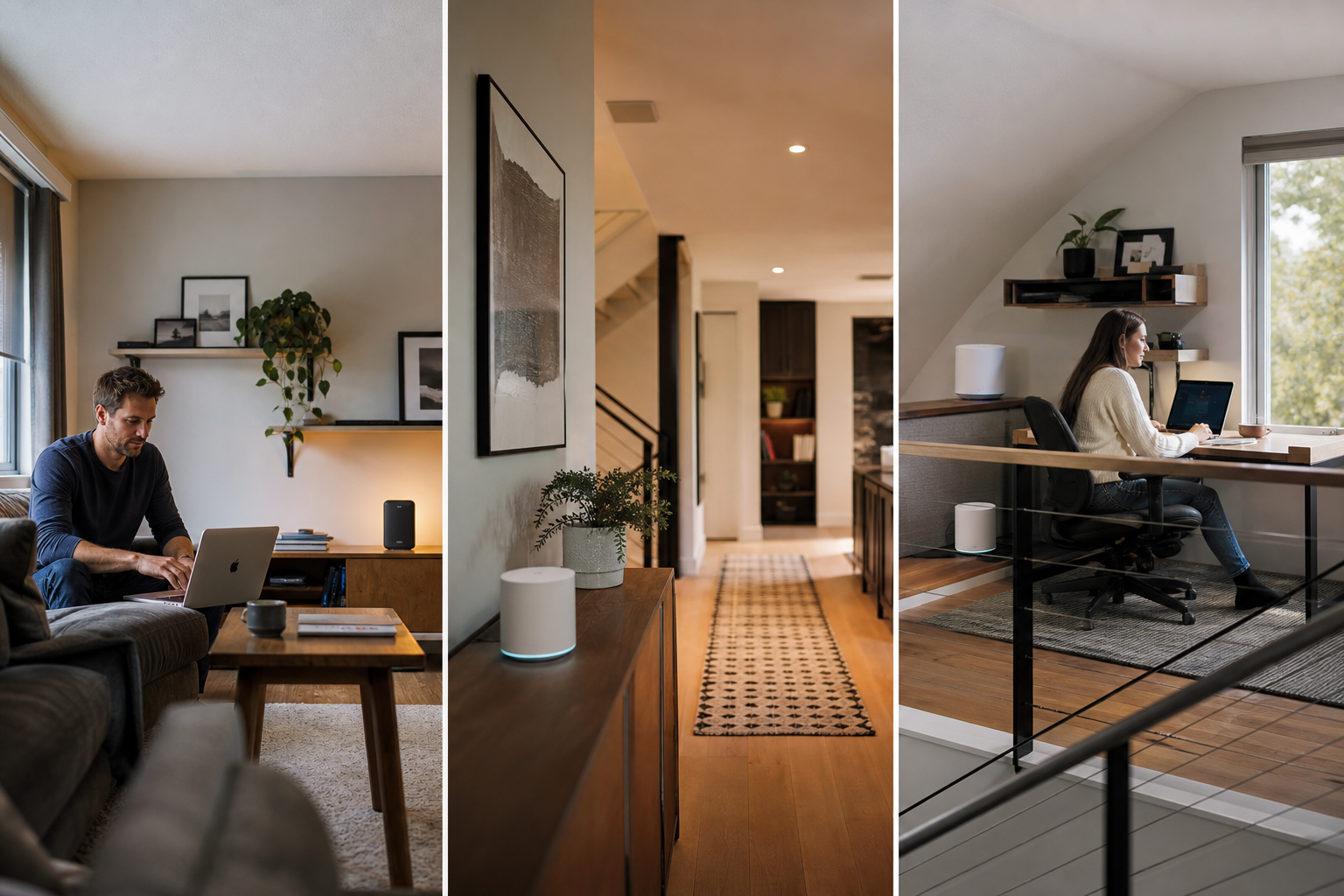
Choose a range extender if your router works well almost everywhere except one or two rooms. Choose mesh Wi-Fi if you have several dead zones, a multi-story layout, thick walls, or want one coordinated network that handles devices moving around the home more smoothly. Neither option increases the internet speed coming into your home; both are designed to make that connection more usable in areas your router struggles to reach.
What Matters Most
Start with the job to be done
Before comparing specifications, map the problem. If your living room, kitchen, and bedrooms work well but the basement office or far bedroom keeps dropping out, you have a targeted coverage gap. A range extender may solve it without replacing the equipment you already own.
If the signal is inconsistent across several rooms, weak on another floor, or unreliable whenever multiple people are online, the problem is broader. A mesh Wi-Fi system is designed to spread coverage through multiple coordinated units instead of asking one router to reach every corner.
The distinction is practical: an extender adds reach to an existing router, while mesh Wi-Fi creates a multi-unit network intended to cover the home as a connected system. The best choice is not automatically the newest or most powerful option; it is the one that matches the shape of your coverage problem.
- One isolated dead zone: start with an extender.
- Several weak areas or a large, multi-level home: consider mesh.
- Unreliable service everywhere: check the router, modem, wiring, and internet plan before buying either.
How a range extender works
A range extender connects to your existing router over Wi-Fi, then rebroadcasts that signal farther into the home. The router stays in place, and the extender acts as a bridge to a room or area that is just outside the router’s useful range.
Placement matters more than many shoppers expect. The extender needs to sit where it can still receive a reasonably strong signal from the router—often partway between the router and the dead zone. Placing it inside the dead zone gives it a weak connection to repeat, so the result may be disappointing even if the device itself has a strong advertised range.
Traditional extenders may create a separate network name, which can mean manually switching your phone or laptop as you move around. Some newer router-and-extender combinations support systems such as EasyMesh or similar compatibility features, but the router and extender must support the same technology. Compatibility should be checked before buying.
- Best for: one or two specific weak spots.
- Advantages: lower-cost path, keeps your current router, usually simple to install.
- Trade-offs: placement-sensitive, may require network switching, and can deliver less throughput than a direct connection to the router.
How mesh Wi-Fi works
A mesh system uses a main unit connected to your modem and one or more satellite nodes placed around the home. The units coordinate as a single network, giving devices more than one nearby access point instead of relying on one router located in a single room.
Most mesh systems are designed to use one network name throughout the home. As you move from one area to another, your device can be guided toward the more appropriate node rather than leaving you to choose between separate router and extender networks. That is particularly useful when you carry a phone or laptop between rooms during a call, work session, or streaming session.
Mesh systems can use wireless communication between nodes, or a wired Ethernet connection called wired backhaul where your home supports it. Wired backhaul can be useful when floors, concrete, brick, metal, or other obstacles make wireless communication between nodes difficult. Mesh still depends on sensible placement; adding nodes too far from the main unit can spread a weak connection rather than fix it.
- Best for: whole-home coverage, multiple dead zones, multi-story layouts, and households with many connected devices.
- Advantages: unified network, easier movement between rooms, and coverage that can scale by adding compatible nodes.
- Trade-offs: higher upfront investment, more equipment to place, and a larger change to your current network.
When a range extender is the smarter buy
An extender makes sense when the rest of your network is already doing its job. If the router delivers dependable service in most rooms and only one bedroom, garage, basement corner, or home office is unreliable, replacing the entire network may be unnecessary.
It is also a reasonable choice when you rent, expect to move, or want to keep the purchase modest. You can leave the router and modem where they are, add coverage for a particular room, and take the extender with you later. This approach is especially practical for a device that does not need maximum performance, such as a smart speaker, sensor, or basic streaming setup.
The main limitation is that an extender cannot overcome a poor connection from the router. It also may not be the best fit for a room used for demanding video calls, large file transfers, cloud backups, gaming, or high-resolution streaming if the wireless link between the router and extender is already strained. In those cases, compare a mesh system or a wired access point rather than assuming a stronger-looking extender signal tells the whole story.
- Pick an extender when coverage is mostly good already.
- Look for compatibility with your router’s mesh features if one-network roaming matters.
- Use the manufacturer’s signal indicator or setup app to find a position between the router and weak area.
When mesh Wi-Fi is worth the change
Mesh is the better fit when the coverage problem is spread across the home. That includes long layouts, multiple floors, detached rooms, thick interior walls, or homes where the router’s location is constrained by the modem connection. Multiple nodes let you distribute the network instead of pushing one signal from a single point.
It is also a stronger choice when several people use the network at the same time. A household with work calls, streaming televisions, game consoles, security cameras, smart-home devices, and phones may benefit from a network designed around several access points rather than a router-plus-extender arrangement.
Mesh is not a guarantee of faster internet. Your service plan and incoming connection still set the ceiling, and node placement, interference, and the quality of the wireless link between nodes affect actual performance. Think of mesh as a way to make your existing connection more consistently available around the home, not as a replacement for a slow internet plan.
- Choose mesh when weak coverage appears in several locations.
- Choose mesh if you want one network name throughout the home.
- Prefer a system with Ethernet ports and wired-backhaul support if running cable is practical.
What to check before buying
First, check compatibility and the equipment you already have. A standalone extender usually works with a broader range of routers, but advanced roaming features may depend on matching brands or standards. A mesh kit may replace your router, so confirm whether your internet provider requires specific modem, gateway, bridge-mode, or login settings.
Next, consider placement rather than advertised square footage alone. Building materials, floor plans, neighboring networks, and the distance between units all affect results. For mesh, begin with the smallest kit that can realistically cover your home and add a compatible node only if testing shows a genuine gap. For an extender, avoid placing it at the far edge of the dead zone.
Finally, decide whether your priority is the least expensive fix or the least frustrating daily experience. An extender can be the right answer when you want to improve one room and leave everything else alone. Mesh is usually the better long-term choice when you are tired of dead zones across the home, want smoother movement between rooms, or are already ready to replace an aging router.
- One room, existing router, modest goal: range extender.
- Several rooms, multiple floors, or frequent movement: mesh Wi-Fi.
- Weak signal everywhere: investigate router placement, hardware age, interference, and internet service before expanding coverage.
Sources & editorial note
This guide is research-based and does not claim hands-on testing unless explicitly stated.
- TP-Link: Mesh Wi-Fi vs. Range Extender — Supports the direct comparison: extenders target isolated weak spots, while mesh systems provide coordinated whole-home coverage; also covers roaming, placement, speed limitations, and use cases.
- TP-Link Support: Comparing Wi-Fi Coverage Solutions — Supports how extenders rebroadcast a router signal, recommended placement, interference considerations, mesh network behavior, and wired or wireless expansion.
- NETGEAR: What Is Mesh WiFi? — Supports the description of mesh Wi-Fi as multiple points working together as one network.
- Google Fiber Help: Improve Your Wi-Fi Speeds — Supports the importance of placing an extender or mesh extender partway between the router and the farthest coverage area.
- TP-Link: Mesh Compatibility Guide — Supports the need to verify compatibility among mesh product families, routers, range extenders, and satellite units.