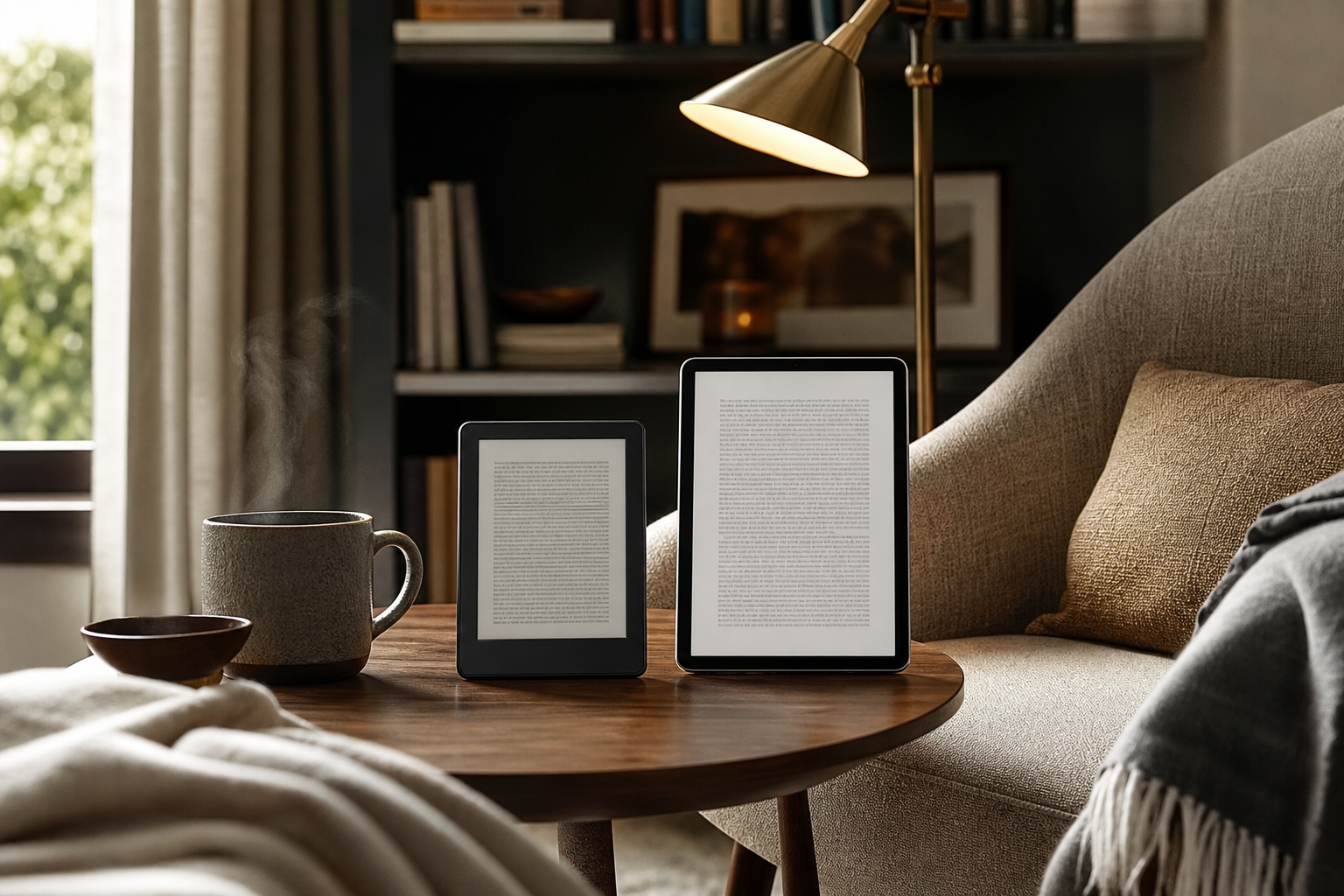
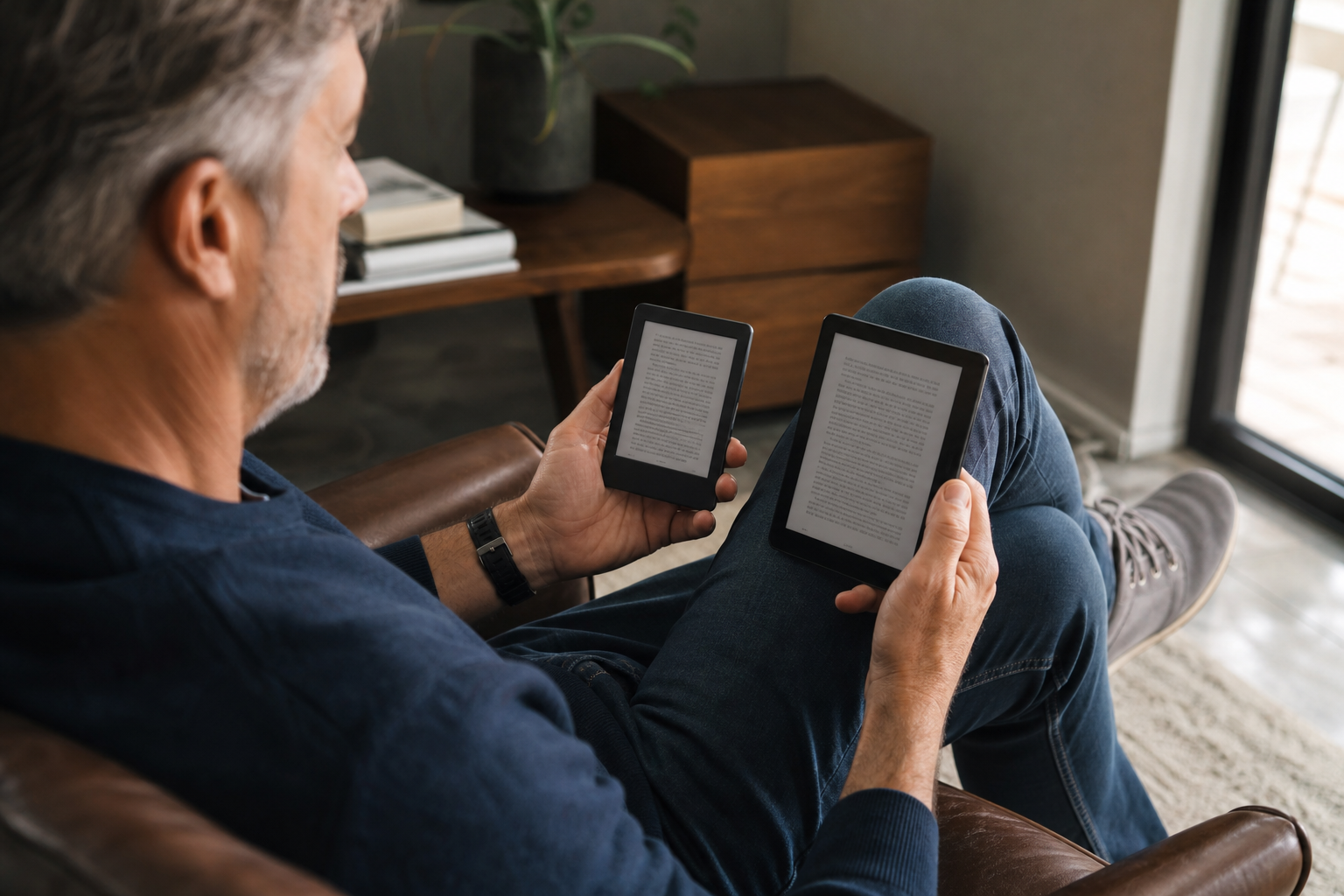
Choose a 6-inch e-reader if you read mostly novels, carry your device everywhere, or prefer one-handed reading on commutes and in bed. Choose a 7-inch model if you use larger text, read PDFs, comics, magazines, or illustrated books, or find smaller screens require too much scrolling and page turning. A 7-inch screen has about 36% more display area than a 6-inch screen when the aspect ratio is similar, but the device itself may also be wider, heavier, and less comfortable for smaller hands.
What Matters Most
Explore Options That Fit Your Everyday Routine
Explore products that fit your priorities, compare current options and discover what works best for you.
Check prices, seller details and specifications on Amazon. Featured image is illustrative.
As an Amazon Associate I earn from qualifying purchases.
The short answer: 6 inches is easier to hold, 7 inches is easier to read
For ordinary novels and text-heavy books, both sizes can provide a comfortable reading experience. Current 6-inch models such as the Kindle and Kobo Clara BW are designed as compact, portable readers, while 7-inch models such as the Kindle Paperwhite and Kobo Libra Colour provide a larger page without moving into the noticeably larger 8-inch and 10-inch categories. Amazon lists its current Kindle at 6 inches and its Paperwhite at 7 inches; Kobo’s current Clara BW is 6 inches and Libra Colour is 7 inches. ([digprjsurvey.amazon.com](https://digprjsurvey.amazon.com/csad/help/node/GK33S847NN4V6Y83?utm_source=openai))
The practical difference is not simply one inch across the diagonal. With a similar screen shape, a 7-inch display offers roughly 36% more screen area. That extra space can make larger type, wider margins, and more relaxed line spacing feel less cramped. The trade-off is that a 7-inch reader generally takes more room in a hand and may feel less effortless when you are standing, traveling, or reading with one hand.
- Best for the smallest, lightest reading setup: 6 inches
- Best for spacious text and fewer page turns: 7 inches
- Best overall for mixed reading habits: usually 7 inches, if the shape and weight suit your grip
Holding comfort: why the 6-inch model usually wins
A 6-inch reader is easier to stabilize because your hand has less device to support. It is also easier to keep close to your body without stretching your wrist or shifting your grip. That matters when you read on a train, while standing in a queue, or in bed with your arm bent. The compact shape is also less awkward when you switch between hands or use a pop socket, strap, or folding cover.
The difference becomes more noticeable when a cover is attached. A slim 6-inch e-reader can remain easy to carry in a small bag, while a 7-inch reader with a protective cover may feel closer to a small tablet in bulk even if its screen is still much smaller than an iPad. Weight matters, but balance matters too: a device with a wider body, thick case, or offset page-turn grip may feel more comfortable than a lighter device with narrow edges.
A 6-inch reader is not automatically comfortable for everyone. If you enlarge the font substantially, the smaller page may require more frequent taps. That can interrupt your reading rhythm and make the device feel less relaxing over a long session. In that situation, the 7-inch reader may be the more comfortable choice despite its larger body.
- Choose 6 inches for one-handed reading, commuting, and maximum portability.
- Look for rounded edges, a grippy back, and a case that does not add unnecessary weight.
- Do not judge comfort by weight alone; width, thickness, balance, and button placement also matter.
Reading comfort: why the 7-inch model often wins
The larger screen gives you more room to increase font size without making every page feel sparse. It also allows more generous line spacing and margins, which can make long reading sessions feel calmer. Most modern e-readers let you change font size, typeface, line spacing, and margins; Amazon documents these display controls for current Kindle models. ([digprjsurvey.amazon.com](https://digprjsurvey.amazon.com/csad/help/node/T5Y94BzSCGwm0vd75W?utm_source=openai))
A 7-inch screen can reduce page-turn frequency, especially with larger text. That is useful if you prefer to keep one hand still, use a remote page-turn accessory, or read while reclining. Models with physical page-turn buttons can be especially convenient because they let you advance without tapping the screen; Kobo’s Libra Colour, for example, combines a 7-inch display with page-turn buttons. ([kobo.com](https://www.kobo.com/us/en/eReaders?utm_source=openai))
The larger format is also more forgiving for books that are not simple flowing text. Illustrated nonfiction, cookbooks, graphic novels, comics, magazines, and PDFs generally benefit from additional screen area. However, neither a 6-inch nor a 7-inch e-reader is a perfect replacement for a larger tablet or 8-inch-plus reader when the material depends on diagrams, complex columns, or full-page layouts.
- Choose 7 inches if you regularly use larger text or wider line spacing.
- Choose 7 inches for comics, illustrations, and occasional PDF reading.
- If your main concern is readability, screen resolution and lighting controls matter alongside size.
Portability, travel, and everyday storage
The 6-inch format is easier to slip into a small handbag, crossbody bag, jacket pocket, or compact travel pouch. It is also less conspicuous when you read in public. If your e-reader will accompany you everywhere, the smaller footprint can matter more than the larger page you would enjoy at home.
A 7-inch reader remains highly portable, but it needs a little more planning. Check the dimensions of the reader with its intended cover rather than relying on the screen measurement alone. For example, Kobo lists the 6-inch Clara BW at 112 by 160 by 9.2 millimeters and 174 grams, before accounting for a cover. ([ereader.kobo.com](https://ereader.kobo.com/en-us/products/kobo-clara-bw?country=US¤cy=USD&utm_source=openai))
Battery life is usually a model-specific issue rather than a simple 6-inch-versus-7-inch rule. A larger screen does not by itself tell you how long a reader will last between charges. Compare the manufacturer’s battery estimate, lighting settings, wireless use, and whether you are considering a black-and-white or color E Ink model.
- For frequent travel, compare the complete covered device, not just the reader.
- A small reader is easier to store, but a larger reader may reduce page turns during long flights or hotel reading.
- Do not assume screen size alone predicts battery life.
What changes the decision more than one inch
The screen size is only one part of the experience. A 6-inch reader with 300 pixels per inch, adjustable front lighting, a responsive interface, and a comfortable textured back may feel better than a poorly balanced 7-inch model. Amazon’s current 6-inch Kindle and 7-inch Paperwhite both use 300 ppi displays, while Kobo’s Clara BW uses a 1448 by 1072 E Ink display. ([digprjsurvey.amazon.com](https://digprjsurvey.amazon.com/csad/help/node/GK33S847NN4V6Y83?utm_source=openai))
Lighting controls can be just as important as the diagonal measurement. Look for adjustable brightness, and consider adjustable color temperature if you read in the evening. Waterproofing may also be worth prioritizing if you read near a pool, bathtub, or on the beach. These features vary by model and should be compared directly rather than inferred from screen size.
Color E Ink changes the trade-off slightly. Current 6-inch and 7-inch Kobo color models are intended for color covers, highlights, and illustrated content, but color E Ink does not turn black-and-white pages into color. Kobo specifically notes that color appears only where the original page was designed to contain color. ([help.kobo.com](https://help.kobo.com/hc/en-us/articles/18025082610071-About-the-colour-screen?utm_source=openai))
- Prioritize screen clarity, lighting, grip, and responsiveness along with size.
- For novels, black-and-white E Ink usually keeps the decision straightforward.
- For illustrated content, compare color quality and page layout support, not just screen diagonal.
Who should buy a 6-inch e-reader?
Buy a 6-inch model if your typical reading is fiction or other reflowable text, and you want the least noticeable device to carry. It is the better fit for readers who move between rooms, travel light, read while standing, or prefer a device that feels closer to a paperback’s portability than a tablet’s presence.
It is also a sensible choice if you naturally use moderate font sizes and do not mind turning pages a little more often. A compact reader can be easier to grip for long periods, especially with a slim case or hand strap. If you already find most paperback books comfortable to hold, 6 inches is likely to feel familiar.
The main reason not to choose 6 inches is repeated crowding. If you consistently enlarge text, read in landscape mode, or want to view fixed-layout pages, the smaller screen may save space in your bag while costing you comfort during reading.
Who should buy a 7-inch e-reader?
Buy a 7-inch model if reading comfort at home matters more than the smallest possible footprint. It is the stronger choice for larger text, long sessions, occasional comics or illustrated books, and readers who dislike frequent page turns. The extra room can also make a 7-inch reader feel more relaxed when used on a stand, lap, or bedside table.
A 7-inch model is especially appealing when it includes page-turn buttons or an ergonomic side grip. Those features can offset some of the inconvenience of a wider body by giving you a stable place to hold the device and a physical way to advance pages. Kobo currently lists page-turn buttons on the 7-inch Libra Colour, while its 6-inch Clara models use a more conventional compact design. ([kobo.com](https://www.kobo.com/us/en/eReaders?utm_source=openai))
The main reason not to choose 7 inches is portability. If you read mostly on the go, use one hand almost exclusively, or carry a small bag, the extra screen may spend more time being inconvenient than useful.
Bottom line: choose based on your most common reading position
For the easiest grip, the 6-inch e-reader is the safer answer. It is smaller, easier to store, and generally less demanding when you hold it one-handed. For the easiest reading experience, the 7-inch e-reader usually has the advantage because it provides more room for larger type, comfortable spacing, and fixed-layout content.
If you are torn, picture your most common reading position rather than your ideal feature list. Choose 6 inches for commuting, travel, and casual one-handed reading. Choose 7 inches for a chair, sofa, bedside table, larger text, and a reading library that includes more than standard novels.
For many adults, the best compromise is a lightweight 7-inch reader with adjustable lighting and a comfortable back. But if portability is the reason you want an e-reader in the first place, a well-designed 6-inch model may be the one you pick up more often—and the device you use most is usually the better buy.
Ready to Find Your Best Match?
Explore products that fit your priorities, compare current options and discover what works best for you.
Check prices, seller details and specifications on Amazon. Featured image is illustrative.
As an Amazon Associate I earn from qualifying purchases.
Sources & editorial note
This guide is research-based and does not claim hands-on testing unless explicitly stated.
- Amazon Kindle e-reader identification guide — Supports current Kindle screen sizes, display resolution, lighting, battery, waterproofing, and feature details.
- Amazon Kindle text display settings — Supports the availability of font, spacing, margin, orientation, and layout controls.
- Rakuten Kobo Clara BW product page — Supports the Clara BW’s 6-inch display, dimensions, weight, resolution, lighting, storage, and waterproofing specifications.
- Rakuten Kobo eReader comparison page — Supports current Kobo 6-inch and 7-inch model categories and features such as page-turn buttons, color screens, and stylus compatibility.
- Rakuten Kobo color-screen information — Supports how Kobo color E Ink displays color only where the original page contains color.