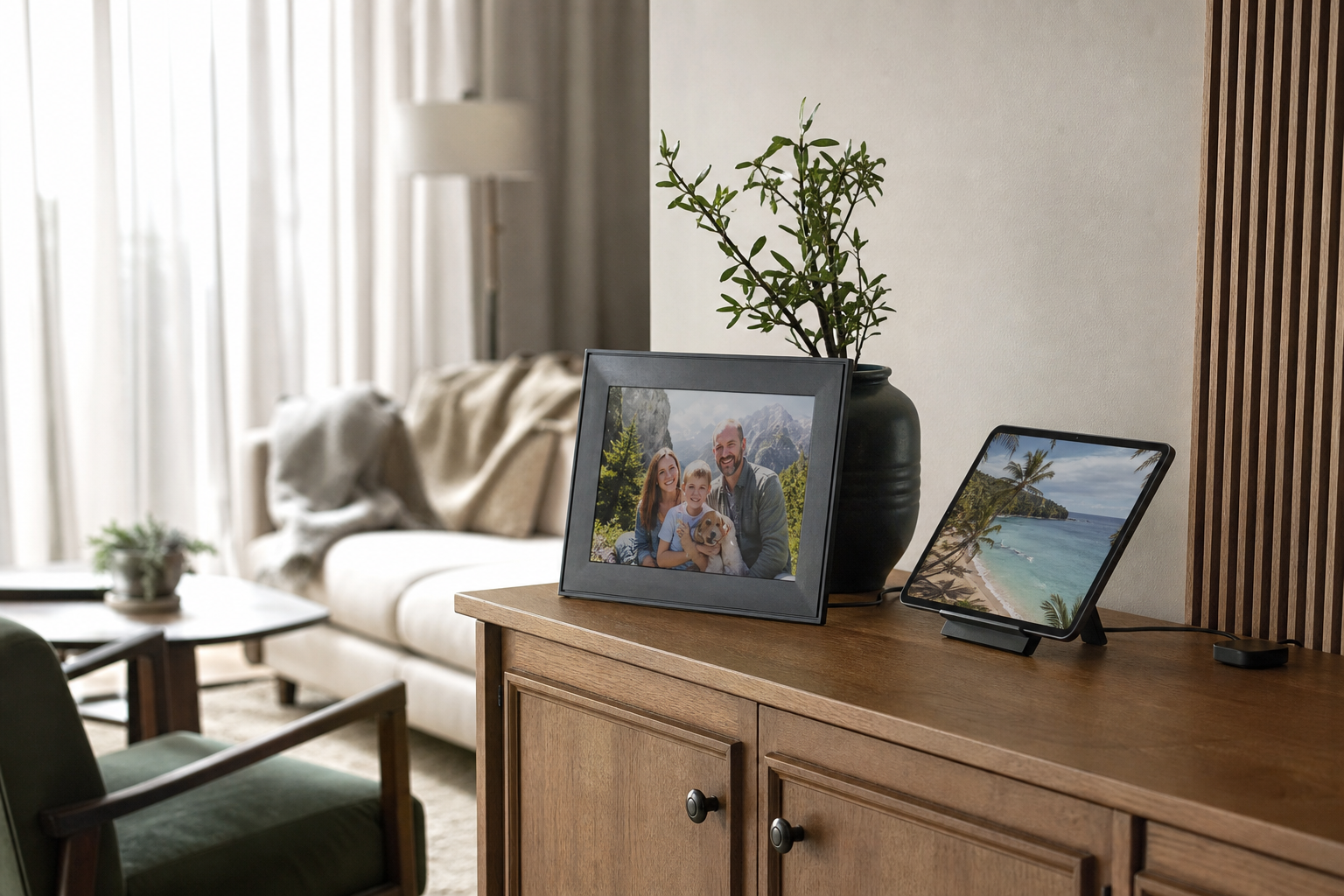
Choose a digital photo frame when your main job is to keep family, travel, and everyday photos visible with minimal interaction. Choose a tablet display when you want one device to handle photos plus streaming, reading, video calls, smart-home controls, or photo editing. For most households buying specifically for everyday photos, a dedicated frame is the more natural fit; a tablet is the more flexible fit.
What Matters Most
Start with the job to be done
Before comparing screen size or resolution, decide what you want the display to do when nobody is actively using it. If the goal is to make personal photos part of the room, a digital photo frame is designed for that single purpose. It can sit on a shelf, mantel, desk, or wall and move through a chosen collection without asking you to open an app or find a charger each time.
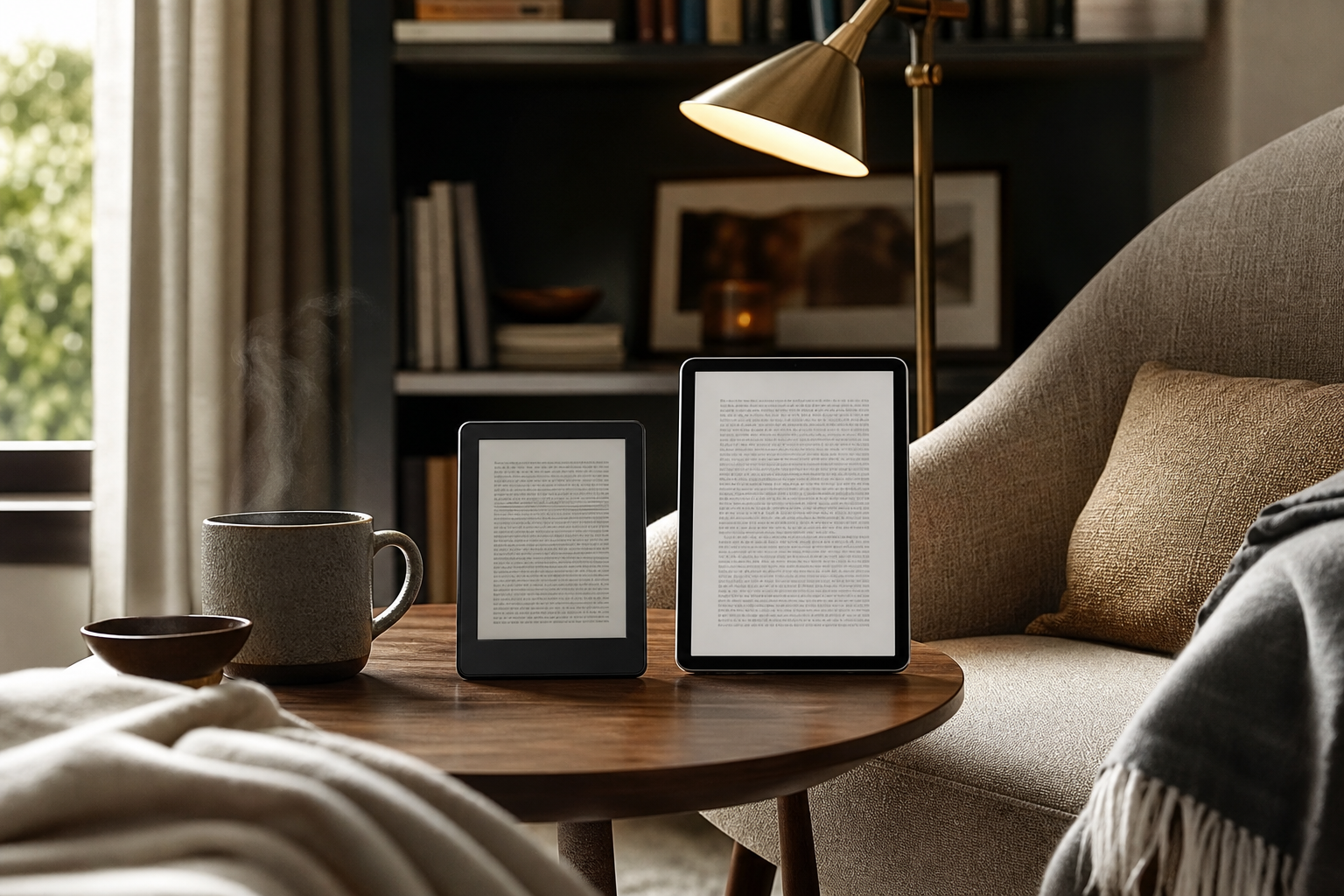
A tablet display starts from a different idea: it is a small computer with a screen. It can show a slideshow, but it can also open photo libraries, play videos, stream music, support video calls, display recipes, or control compatible smart-home devices. That flexibility is useful, but it also means more settings, more notifications, and more opportunities for the device to feel like technology rather than home decor.
The practical distinction is simple: a frame is an appliance for memories, while a tablet is a general-purpose device that can display memories. Neither is automatically better. The right choice is the one that matches how often you want to interact with the screen.
- Best for a frame: quiet, automatic, dedicated photo display.
- Best for a tablet: photos plus reading, video, browsing, calls, or smart-home tasks.
Digital photo frames: the easier everyday photo experience
Dedicated frames are built around the idea that photos should appear with little maintenance. Wi-Fi models commonly use a companion app or web service to load images, create albums, invite contributors, and adjust slideshow settings. For example, Aura says its frames can receive photos through its app, web uploader, email, text message in the United States and Canada, and connected photo services. That kind of remote sharing can be especially convenient when several family members contribute to one display. ([help.auraframes.com](https://help.auraframes.com/hc/en-us/articles/360049410694-Aura-Frame-Comparison-Guide-Which-Aura-Frame-Should-I-Choose?utm_source=openai))
A frame also tends to behave more predictably in a shared room. There is no home screen to rearrange, browser tab to close, or streaming app competing for attention. Many models include ambient-light behavior or scheduled on-and-off settings. Aura, for example, documents automatic brightness adjustment and sleep behavior when the room is dark, with schedules available through its app. ([help.auraframes.com](https://help.auraframes.com/hc/en-us/articles/360008279214-Aura-Frame-Auto-On-Off-and-Schedule?utm_source=openai))
The trade-off is that a frame is less useful outside the photo task. You may not be able to browse a full library as comfortably, edit images, watch a long video, or switch between unrelated apps. A Wi-Fi frame may also depend on a particular manufacturer's app, cloud account, and sharing system. Check those requirements before buying, especially if the frame is intended as a gift.
- Choose a frame if several people will send photos remotely.
- Look for automatic brightness, a sleep schedule, portrait and landscape support, and a clear way to remove unwanted photos.
- Confirm whether storage, contributors, video playback, or key sharing features require a subscription.
Tablet displays: the more capable but more hands-on choice
A tablet gives you much more control over what appears and how it appears. On an iPad, for instance, the Photos app can create a slideshow from selected photos and videos, with automatic formatting and music. A tablet can also let you move from a slideshow to editing, messaging, cloud-library management, or printing without changing devices. ([support.apple.com](https://support.apple.com/en-nz/guide/ipad/ipadd2c69f4d/ipados?utm_source=openai))
Some smart displays and tablets can also work as ambient photo screens. Google documents photo-frame features for Nest displays and eligible tablets, including album selection, slideshow settings, and Google Photos integration. Google also notes that availability can vary by device, country, and region, so compatibility should be checked for the exact model rather than assumed from the operating system alone. ([support.google.com](https://support.google.com/googlenest/answer/9136992?hl=en-EN&utm_source=openai))
The downside is that a tablet usually needs more setup to behave like a frame. You may need a stand, a charging arrangement, a screen timeout setting, a slideshow app, and notification controls. On some devices, photo display is an ambient or idle mode rather than the primary experience. If you want to change the images from across the room, you may also need to use voice controls, a phone, or the tablet's touchscreen.
- Choose a tablet if you want one screen for photos, video, reading, browsing, or calls.
- Use a stable stand and a safe charging setup for permanent display.
- Turn off unnecessary notifications and choose a photo mode that does not require frequent manual restarts.
Compare the everyday experience: sharing, room fit, and attention
For family sharing, dedicated frames generally have the advantage because remote contribution is part of their design. A relative can add new images without visiting the frame, and the owner can often review or remove them through the associated app. This is useful for a shared living room display or for sending fresh photos to someone who does not want to manage a tablet. Aura's support documentation also explains that a frame can be set up for someone who does not personally use a smartphone, although another person must handle setup and ongoing remote management. ([help.auraframes.com](https://help.auraframes.com/hc/en-us/articles/18972006839575-Can-Aura-Frames-be-used-without-a-smart-device-phone-tablet?utm_source=openai))
Tablets are better when the person standing in front of the screen wants to do more than glance at a photo. You can zoom in, compare images, show a short video, search by date or subject, or move into a photo-editing app. A smart display can add voice interaction and other household functions; Google's Nest Hub, for example, combines photo display with music, video, reminders, timers, and smart-home controls. ([store.google.com](https://store.google.com/category/nest_hubs_displays?hl=en-US&utm_source=openai))
Room fit matters just as much as software. A frame is usually easier to treat as decor because its proportions, stand, and interface are designed around display. A tablet can look perfectly at home on a kitchen counter or side table, but a permanent tablet setup may read as a gadget unless the stand and cable are well placed. Consider whether the screen should blend into the room or invite interaction.
- For a living room or hallway: prioritize viewing distance, glare control, and portrait/landscape flexibility.
- For a bedside table: consider brightness behavior, sleep schedules, and whether notifications can be fully hidden.
- For a kitchen or office: a tablet may earn its space by handling recipes, music, calendars, or calls.
Photo quality, power, privacy, and maintenance
Photo quality is not only about resolution. Look at the screen's viewing angles, glare, color balance, aspect ratio, and how well it handles portrait photos. A display that automatically crops vertical images can make everyday phone photos feel cramped. If most of your library comes from a smartphone, a frame or tablet that supports both orientations, or pairs portrait images thoughtfully, can reduce awkward cropping.
Power requirements are another meaningful difference. A dedicated frame is normally designed to remain plugged in, although some newer models use e-paper or rechargeable designs. A tablet can run on battery, but a device used as an all-day photo display will generally need regular charging or a permanent power connection. Google says some Nest displays adjust to ambient room light, while Aura documents automatic brightness and sleep behavior on its frames; these features can help reduce the need to manage brightness manually. ([store.google.com](https://store.google.com/us/product/nest_hub_2nd_gen?43700037576033377=&hl=en-US&utm_source=openai))
Privacy deserves a deliberate check. Both categories may connect to cloud photo libraries or accounts. A smart display may include microphones, cameras, voice assistants, or personalized notifications; a tablet may show messages and account information unless those features are restricted. Review account permissions, shared albums, voice controls, and notification settings before placing either device in a shared or private room.
- For the lowest-maintenance setup, favor automatic brightness, scheduled sleep, and simple album controls.
- For privacy-sensitive spaces, check microphones, cameras, personal results, notifications, and cloud-sharing permissions.
- For older or less technical users, arrange setup and Wi-Fi support before gifting the device.
Which one should you buy?
Buy a digital photo frame if your priority is everyday visibility with minimal effort. It is the better match for a home where photos should quietly rotate in the background, for families who want to contribute remotely, or for a recipient who wants to enjoy new pictures without learning a general-purpose tablet. A frame is also the cleaner choice when you want the object to look and behave like decor.
Buy a tablet display if you want the screen to justify itself in several ways. It makes sense for someone who will read on it, watch videos, edit and organize photos, use video calls, check a calendar, play music, or control smart-home devices. It can deliver a good photo experience, but you will need to create that experience through stands, apps, settings, and charging habits.
If you are undecided, use this rule: buy a frame for passive enjoyment and a tablet for active use. For a dedicated photo purchase, the frame usually wins on simplicity. For a device that must earn its place by doing many jobs, the tablet offers more value and flexibility.
- Best overall for everyday photos: digital photo frame.
- Best for a multipurpose household screen: tablet display.
- Best for remote family photo sharing: Wi-Fi digital frame with easy contributor controls.
- Best for photos plus personal interaction: tablet with a reliable stand and charging setup.
Sources & editorial note
This guide is research-based and does not claim hands-on testing unless explicitly stated.
- Aura Frames Help Center: Frame Comparison Guide — Supports current Aura sharing methods, contributor features, cloud storage claims, display behavior, and model capabilities.
- Aura Frames Help Center: Auto On/Off and Schedule — Supports automatic brightness, dark-room sleep behavior, and scheduled on/off settings.
- Aura Frames Help Center: Using a Frame Without a Smart Device — Supports setup requirements and remote management for recipients without a smartphone or tablet.
- Apple Support: Make Slideshows in Photos on iPad — Supports iPad slideshow creation from selected photos and videos.
- Google Nest Help: Photo Frame on Your Google Nest Display — Supports Google Photos albums, slideshow controls, photo curation, and photo-frame settings.
- Google Store: Nest Hub Smart Displays — Supports smart-display uses beyond photos, including entertainment, reminders, calls, and smart-home controls.